
Creating a modern look in any room becomes difficult when visible wires disrupt the space. Fortunately, there are several effective ways to conceal cables and maintain a clean appearance. This guide will show you practical methods to keep your setup neat and organized.
How to Hide Computer Cables and Wires for a Clean Setup
Under-Desk Cable Management Solutions
Install Cable Management Trays
Mounting cable trays beneath your desk creates a dedicated space for power strips and excess wiring. This keeps cables off the floor while maintaining a clean and organized workspace.
READ ALSO: Common Lighting and Wiring Concerns: Mistakes to Avoid and How to Fix Them
Bundle Cables with Velcro Ties
Using Velcro ties allows you to group cables neatly without damaging them. This method keeps wires manageable and makes future adjustments more convenient.
Use Adhesive Clips for Routing
Adhesive clips help guide cables along the back or underside of your desk. By keeping cables in place, they prevent loose hanging wires that disrupt your setup.
Organize Wires with Cable Sleeves
Cable sleeves combine multiple cords into one streamlined bundle. This reduces visual clutter while also protecting cables from wear over time.
Floor and Wall Cable Concealment
Install Cable Raceways Along Baseboards
Cable raceways provide a clean solution for hiding wires that run along walls. They can be painted to match your interior, making them blend seamlessly into the space.
Run Cables Under Rugs
Placing cables under rugs helps eliminate visible wires across open areas. This not only improves aesthetics but also enhances safety by reducing tripping risks.
Use Furniture and Decor Strategically
Positioning furniture or adding decorative elements like plants can effectively conceal trailing cables. This approach integrates cable management into your overall room design.
READ ALSO: How to Add a Ceiling Light Safely and Easily
Use Smart Cable Management Products
Hide Power Strips in Cable Management Boxes
Cable management boxes are ideal for concealing bulky power strips and adapters. They keep your floor area tidy while protecting cables from dust and accidental contact.
Upgrade to Monitor Arms with Built-In Cable Routing
Monitor arms with integrated cable channels help keep wires organized behind your screens. This creates a more professional and minimal desk setup.
Use Longer Cables for Better Routing
Longer cables give you flexibility to route wires along hidden paths instead of stretching them across visible areas. This results in a cleaner and more intentional layout.
Use Docking Stations to Simplify Connections
Docking stations allow multiple devices to connect through a single hub. This significantly reduces the number of cables running across your desk.
Why Concealing Cables is Important for a Neat Setup
Here’s why concealing cables matters:
Aesthetics
There is one thing worse than outside cables, and that is if they are visible, it will make even the best-mounted TV look untidy.
Safety
Live wires cause a tripping risk in houses that have children or pets. This means there is minimal likelihood of accidents happening if you organize your TV wall mount cables correctly.
Protection
If wires are allowed to dangle, they are more predisposed to break when they are not in use. The cables that are concealed from normal sight are less likely to be damaged easily, thus lasting longer.
Easy Maintenance
When wires are well arranged and concealed, they are easy to manage. You will have the exact location of each cable you set, and therefore, it will be easy for you to plug or disconnect any device.
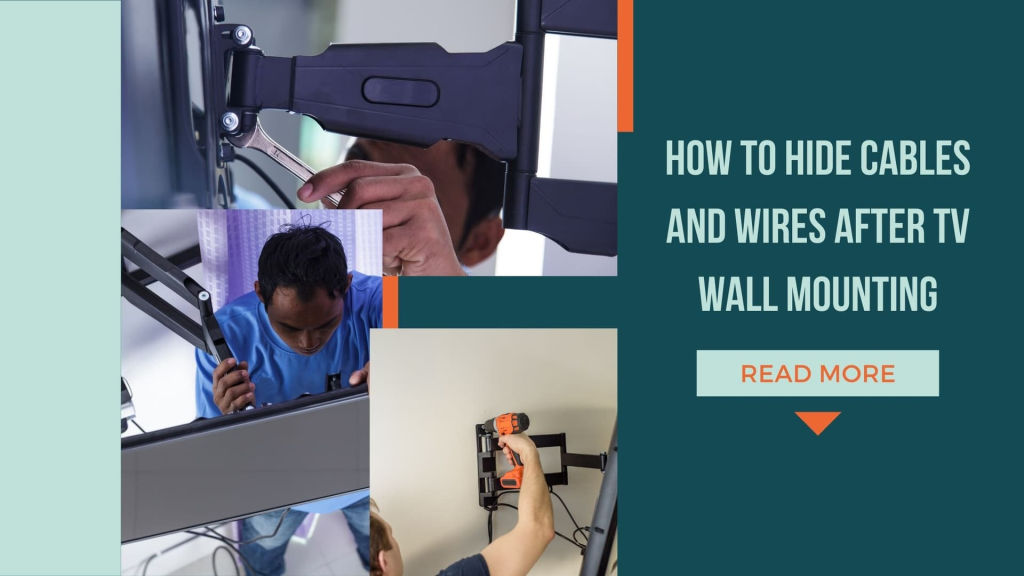
Different Ways to Hide TV Wires (In-Wall, Cord Covers, and More)
When teaching how to hide TV wires, there are many techniques one needs to take into account. The methods may be grouped as follows: Here are some popular options:
In-Wall Cable Management:
Pros: This method gives the neatest appearance of all the wiring because all the wires are neatly concealed behind a wall.
Cons: More work and could possibly require that you poke into the walls, which is the drywall usually. The idea can be better implemented when a professional expert is sought, especially if you are not a do-it-yourself type of person.
How it Works: This method entails the placement of a power outlet at the back of the TV with cables leading to a lower outlet or media cabinet through a hole drilled through the wall.
Cord covers or raceways:
Pros: Particularly simple to mount and inexpensive. Cord covers may also be painted to blend with the wall and thus hardly be seen.
Cons: Despite this characteristic where power cables are hidden, they are however not fully concealed. Not as elegant as in-wall solutions, but practical for renters or anyone who does not wish to compromise the aesthetics of his house by making holes in the walls.
How it Works: It is a plastic or metal channel; by sticking to the wall, it covers the cords. You can thread your TV wires through them, and they work well to organize wires and keep them safe.
On-Wall Cable Management Kits:
Pros: It is similar to cord covers, but most will incorporate some sort of built-in power solution. No need to hire an electrician to install this because it is easy to install.
Cons: As does the panel system, it still has distinct elements attached to the wall but gives a smoother contemporary look.
How it Works: It is possible to route cables through the thin plate that can be installed on the wall surface of the structure. Some kits also come with charging outlets, which is very helpful in cases where you have many devices you need to charge.
Behind Furniture:
Pros: Easy, and it does not come with installation of any kind. Wires can be concealed behind furniture without improvement.
Cons: Suitable for situations where furniture can be well positioned. It does not completely eradicate cables fully from sight.
How it Works: You can hide the cables at the back of a television stand or any furniture to reduce their view. Velcro straps or cable ties can be of great assistance when it comes to the solution of wire management and providing knotting for them.
Cable Sleeves:
Pros: In the case of multi-wire circuits, organize several wires into one neat bundle. It has been quite easy to fix or pull out any cable from the sleeve.
Cons: Still somehow more apparent than if they are loose and tangled, but tidier than that. It is not appropriate to use the cables to conceal over long distances.
How it Works: Cable sleeves that allow all the cables leading from your TV to be placed in one tube to avoid entanglement and enhance greater orderliness.
Step-by-Step Guide to Achieving a Clean, Cable-Free Look After Mounting
Here’s how to implement TV wall mount cable management effectively:
Plan Your Setup:
First of all, discuss what devices are going to be connected to the TV and where these devices have to be located. This assists in establishing the number of cables or wires required and the most preferable technique for hiding the cables.
Gather Materials and Tools:
- For in-wall installation: Specific items and material needed are fish tape, drywall saw, wall plates, power drill, and HDMI cables.
- For cord covers: cord covers, double-sided tape or screws, paint (optional), and a knife.
- For cable sleeves: a cable sleeve and Velcro straps as well.
Install In-Wall Cable Management (For permanent TV wall mount clean look):
- Both ought to be fabricated to accommodate two holes in the wall—one behind the TV and another near the power outlet all the way down. Utilize a wall plate to ensure that the opening looks clean.
- Pull the wires from the top hole to the bottom with the help of fish tape. Plug the cables to your TV and other possible accessories, which include sound systems or game consoles.
- With TVs, incorporate an outlet behind the set or make use of an in-wall power outlet extension kit for the best power outlet services.
Use Cord Covers for Easy Installation:
- Determine the distance between the TV and the power outlet, and using this measure, cut the cord cover.
- Secure the cord cover against the wall using adhesive tape if you are using this kind of product or screws if you are using the other type.
- Pull your cables over the cover, and if you wish, you can paint the cover with the color of the wall to give it a better look.
Cable Sleeves or Ties for Organized Cables Behind Furniture:
- If the cables are going to be encased, just tie them together with a sock or use Velcro straps. This also minimizes interconnection between cords and cables and gives your setup a neater look and a professional touch.
- Place furniture in such a manner that the wires will not be easily seen but they are easily accessible.
Test and Tweak:
If you get to this point, now it is time to evaluate your flow and make sure all that is connected is functioning well.
Conclusion
Understanding how to hide computer cables and wires is essential for creating a clean, organized, and professional-looking space. By combining effective cable management tools with smart placement strategies, you can significantly improve both the appearance and functionality of your setup.
If you want a more seamless and professional result, our expert team is ready to assist. We offer indoor furniture assembly to optimize your workspace layout, reliable handyman services for customized solutions, precise TV mounting services to keep cables fully concealed, and safe light installation services to enhance your room’s overall look. With the right support, achieving a clean and clutter-free setup becomes effortless.