Security system installation involves setting up cameras, alarms, sensors, and other devices to protect a property. The process includes assessing the property, selecting suitable equipment, positioning devices, configuring connections, and testing the system.
Proper installation helps ensure that each component works as intended. That is why understanding the installation process can helps you choose the right equipment, estimate potential costs, and prepare your property before the work begins.
What Is Included in a Security System Installation?
A professional security system installation typically includes property assessment, equipment setup, system configuration, and functionality testing. The exact services depend on the equipment and security requirements of the property.
The process usually starts with evaluating the building layout and identifying areas that need protection. An installer then determines suitable locations for cameras, motion detectors, door sensors, and control panels. This planning helps establish the coverage needed for the property.
Once the equipment is selected, technicians install the devices and connect them to the appropriate power sources or networks. They also configure system settings, test device communication, and verify that essential features work correctly. Some installations include mobile application setup and customer instructions.
What Types of Security Systems Can Be Installed?
The main types of security systems available for installation are wired, wireless, and hybrid systems. Each option has different installation requirements, connectivity methods, and maintenance considerations.
Wired Security Systems
Wired security systems connect cameras, sensors, and other components through physical cables. Depending on the equipment, these cables transmit data, supply power, or perform both functions.
This configuration is commonly used in larger properties and commercial buildings. Physical connections can provide reliable communication between devices. However, installation may require drilling, cable routing, and additional work to conceal or protect wiring.
Wireless Security Systems
Wireless security systems use radio signals or Wi-Fi to communicate between compatible devices. Some equipment operates on batteries, while other components still require a direct power connection.
These systems offer greater flexibility when positioning cameras and sensors. They can also reduce the need for extensive cable installation. However, installers must consider signal strength, network coverage, and battery requirements to maintain reliable operation.
Hybrid Security Systems
Hybrid security systems combine wired and wireless components within one installation. They allow property owners to use existing wired equipment while adding compatible wireless devices.
This configuration can be useful when upgrading an existing security setup. It can also accommodate properties with different installation requirements across multiple areas. Before installation, equipment compatibility and communication requirements should be evaluated.
How Does the Professional Security System Installation Process Work?
Professional security system installation typically follows seven stages: property assessment, system planning, preparation, equipment installation, configuration, testing, and customer training. Each stage helps ensure that the equipment is correctly positioned and ready for operation.
1. Property Assessment and Security Evaluation
The first step is evaluating the property to identify security risks and coverage requirements. Installers examine the building layout, entry points, and areas that may require monitoring.
For residential properties, this may include front doors, back entrances, windows, garages, and driveways. Commercial assessments may also consider employee entrances, storage areas, offices, and restricted spaces. The findings help determine the number and placement of security devices.
2. Security System Design and Equipment Selection
After assessing the property, the installer determines which equipment is suitable for the required coverage. This includes selecting cameras, motion detectors, door and window sensors, and alarm control panels.
Equipment placement is planned according to the property’s layout and security priorities. Installers also consider power availability, network connectivity, recording requirements, and compatibility between devices. This helps prevent problems during installation and system configuration.
3. Pre-Installation Preparation
Pre-installation preparation ensures that the property and equipment are ready before technicians begin working. This stage helps reduce delays and identify potential installation challenges.
Property owners may need to clear access to walls, ceilings, and other installation areas. Installers may also check available power outlets, internet connectivity, and existing wiring. For rental properties or shared buildings, permission may be required before drilling or making permanent modifications.
4. Security Equipment Installation
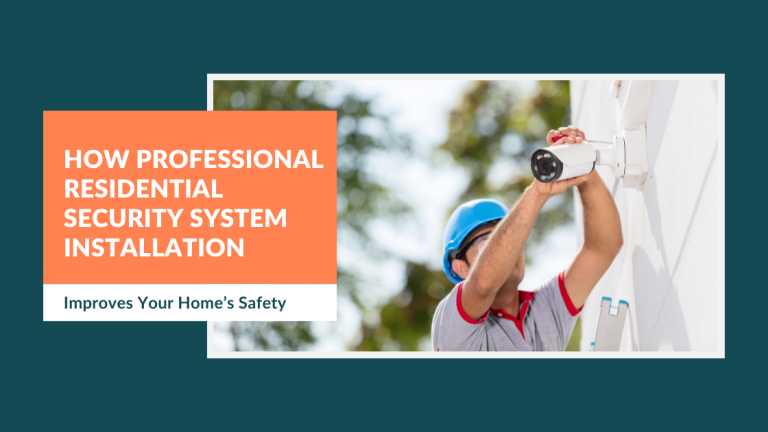
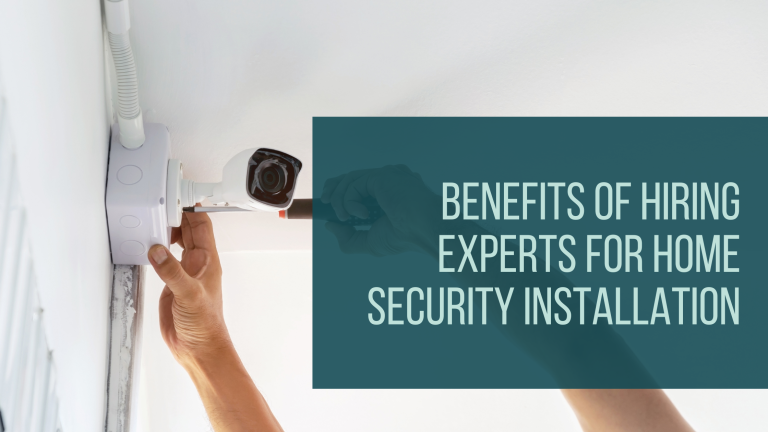
Equipment installation involves mounting cameras, positioning sensors, and connecting the necessary hardware. The specific work depends on whether the system uses wired, wireless, or hybrid technology.
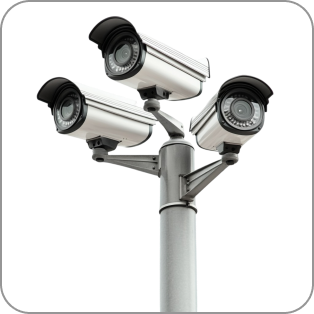
Security cameras are installed at selected locations to monitor important areas. Door and window sensors are positioned to detect unauthorized entry, while motion detectors cover designated indoor spaces. Wired installations may also require cable routing and connections to recording equipment, such as digital video recorders (DVRs) or network video recorders (NVRs).
Proper device placement is important for effective coverage. Cameras should have suitable viewing angles and minimal obstructions. Sensors should also be positioned according to their detection range and manufacturer requirements.
5. System Configuration and Integration
Once the equipment is installed, technicians configure the devices so they can communicate and operate correctly. This may involve connecting cameras to a network, pairing wireless sensors, and setting up the central control panel.
Configuration can also include recording schedules, motion detection zones, and notification preferences. Compatible mobile applications may be connected to provide remote access and security alerts. For integrated systems, technicians also verify communication between cameras, alarms, and other connected devices.
6. Security System Testing and Activation
Security system testing verifies that the installed equipment performs as expected. Technicians check individual devices and confirm that the main security functions operate correctly.
Testing may include checking camera feeds, reviewing viewing angles, activating motion sensors, and verifying alarm notifications. Recording and playback functions should also be checked when the system includes video storage. If backup power or professional monitoring is part of the installation, those features should be tested as well.
Any problems identified during testing should be addressed before the system is handed over. This helps ensure that the property owner receives a functional security setup.
7. Final Walkthrough and Customer Training
The final stage involves demonstrating how to operate and manage the installed security system. Technicians explain the main controls and show customers how to access important features.
This may include arming and disarming alarms, viewing live camera feeds, reviewing recorded footage, and managing notifications. Customers should also understand basic troubleshooting procedures and how to contact technical support. Warranty information and equipment documentation should be provided when applicable.
How Long Does Security System Installation Take?
Security system installation can take a 1 – 3 hours for a basic setup, while larger or more complex projects may require a full day or longer. The actual duration depends on the number of devices, property layout, and installation requirements.
A small wireless installation generally requires less physical work than a wired system with multiple cameras. Larger residential properties may need additional time for equipment placement and network configuration. Commercial projects can take longer because they often involve multiple security zones, extensive cabling, and system integration.
The building structure also affects installation time. Difficult cable routes, limited access, and additional mounting requirements can extend the work. Property owners should request an estimated schedule based on their equipment and installation scope.
How Much Does Security System Installation Cost?
Security system installation costs depend on equipment, labor, property size, and system complexity. The total expense may also include additional services, such as recording storage, network upgrades, and professional monitoring.
What Factors Affect Security System Installation Costs?
The number of cameras and sensors is one of the main factors affecting installation costs. Larger systems require more equipment and may involve additional labor for mounting and configuration.
The type of installation also influences the price. Wired systems may require cable routing, drilling, and additional materials, while wireless systems may reduce some installation requirements. However, wireless equipment still requires appropriate power and network connectivity.
Property size and layout can further affect labor costs. Multi-story buildings, difficult mounting locations, and extensive coverage requirements may require more installation time. Additional integration with existing alarms, access control systems, or smart home devices can also increase the overall project cost.
What Is the Difference Between Equipment Costs and Installation Fees?
Equipment costs cover the security devices purchased for the property. These may include cameras, sensors, alarm panels, recording equipment, and related accessories.
Installation fees cover the labor required to mount, connect, configure, and test the equipment. Some providers combine equipment and installation into one package, while others charge for each separately. Requesting an itemized estimate helps clarify what is included in the total price.
Property owners should also consider ongoing expenses. Cloud storage, professional monitoring, and equipment maintenance may involve recurring fees. Reviewing these costs before choosing a system helps establish a more realistic budget.
Is DIY or Professional Security System Installation Better?
DIY installation is generally suitable for simpler security setups, while professional installation is often more appropriate for complex systems. The right choice depends on equipment requirements, property layout, and the customer’s technical experience.
When Is DIY Security System Installation Suitable?
DIY security system installation can be suitable for basic wireless cameras and plug-and-play devices. These products are often designed for customers who want to install and configure their own equipment.
This approach can reduce installation labor costs. However, property owners are responsible for choosing device locations, connecting equipment, and configuring system settings. Incorrect placement or configuration may leave areas without adequate coverage.
When Should You Choose Professional Security System Installation?
Professional installation is worth considering when a property requires multiple devices, extensive wiring, or integrated security equipment. These projects may involve more complex installation and configuration requirements.
Technicians can assess the property and determine suitable equipment locations. They can also handle mounting, connections, and system testing. This approach can reduce installation difficulties and help ensure that the equipment is configured correctly.
How Should You Prepare Your Property for Security System Installation?
Preparing your property involves providing access to installation areas, checking connectivity, and confirming the installation requirements. These steps help technicians complete the work more efficiently.
Start by identifying the areas that need security coverage. Make sure technicians can access relevant walls, ceilings, entrances, and equipment locations. If the system requires internet connectivity, confirm that the network is available and prepare the necessary access credentials.
You should also check whether additional permissions are required. Rental properties and shared buildings may have restrictions on drilling or permanent modifications. Discussing these requirements with the installer beforehand can help prevent unexpected delays.
Before the scheduled appointment, confirm the equipment, installation scope, and expected timeline. This gives both parties a clear understanding of the work involved.
What Should You Check After Security System Installation?
After installation, verify that all security devices operate correctly and provide the intended coverage. A final inspection helps identify problems before the system is used regularly.
Start by checking camera feeds and viewing angles. Make sure important entrances and designated areas are visible. Test door sensors, window sensors, and motion detectors to confirm that they respond correctly.
You should also verify alarm notifications and remote access through the relevant application. If the system includes video recording, check that footage can be stored and played back. Finally, ask the installer to demonstrate the main controls and explain available support options.
Get Professional Security System Installation with Fixtman
Choosing suitable equipment is important, but proper installation is also necessary for reliable security coverage. Fixtman offers security system installation services to help customers set up compatible security devices for their properties.
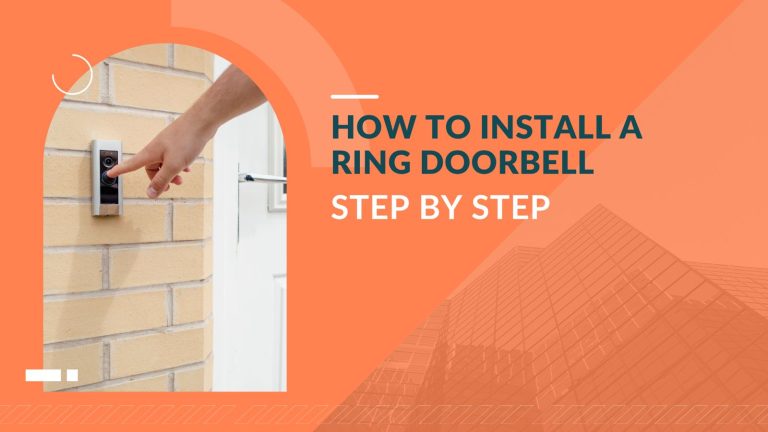
Our services include Ring Alarm Kit installation, security camera installation, and other compatible security equipment. Whether you need an alarm setup or additional camera coverage, our technicians can help with your installation requirements.
Frequently Asked Questions About Security System Installation
What is included in a professional security system installation?
Professional installation generally includes property assessment, equipment placement, device mounting, system configuration, and testing. Some services also include mobile application setup and customer training. The exact scope depends on the equipment and installation agreement.
Can a security system be installed without wiring?
Yes, wireless security systems can operate without extensive data cabling. However, some devices still require electrical power or battery replacement. Check the equipment specifications to understand its power and connectivity requirements.
Do security cameras need an internet connection to work?
Not all security cameras require internet access for basic recording. Some systems store footage locally through an NVR or memory card. However, remote viewing, cloud storage, and internet-based notifications generally require a connection.
Can a security system be installed in an existing home?
Yes, security systems can be installed in existing homes. Wireless equipment can simplify installation when extensive wiring is unnecessary. Wired systems may require additional cable routing depending on the building structure.
Where should security cameras be installed?
Security cameras are commonly installed near entrances, driveways, garages, and other important access points. Their positions should provide clear viewing angles and minimize obstructions. Installation should also respect the privacy of household members and neighboring properties.
Does a security system work during a power outage?
Some security systems continue operating during power outages if they include battery backup. However, operating time depends on the backup capacity and connected equipment. Internet-based features may also be affected if the network equipment loses power.
Can security cameras and alarm systems work together?
Yes, compatible security cameras and alarm systems can operate as part of an integrated setup. This allows users to manage multiple security devices through a connected platform. Equipment compatibility should be checked before installation.
Does professional security system installation include testing?
Testing is an important part of a complete installation. Technicians should verify camera feeds, sensor responses, alarm functions, and relevant connectivity. Confirm the testing procedures included in your installation service.